
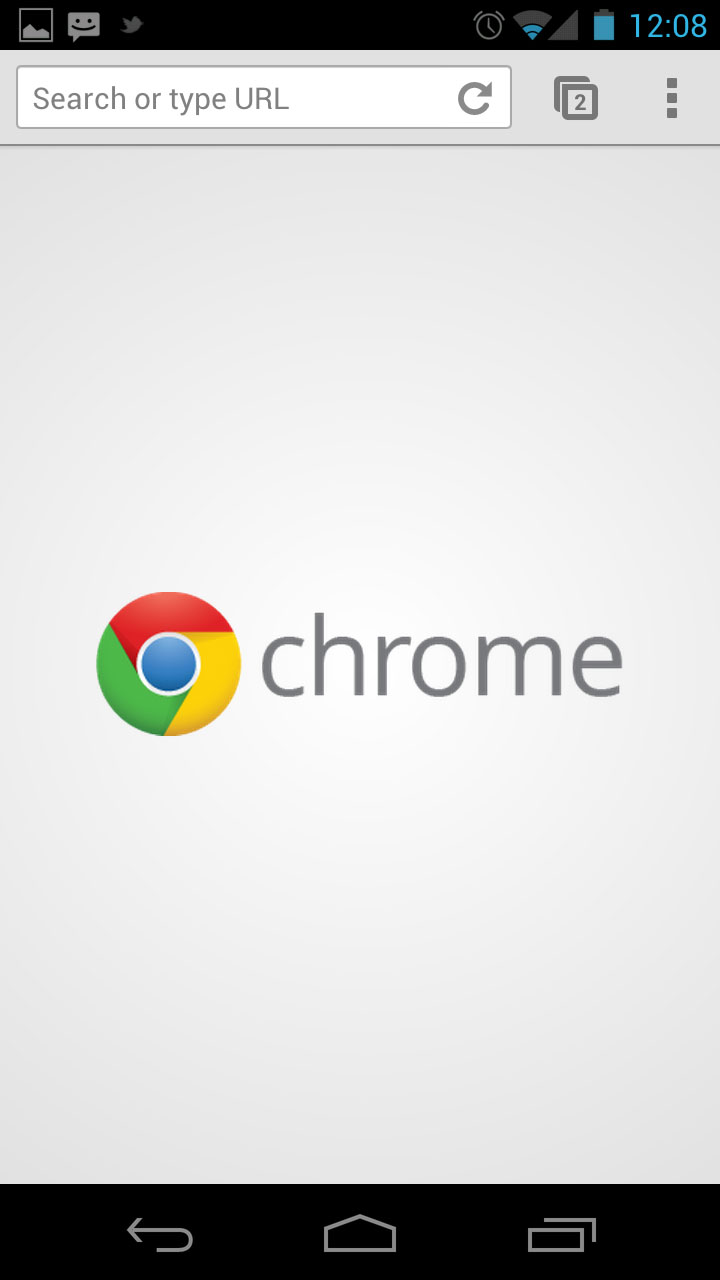
#3: Switch tabs with a swipe The most obvious way to change tabs in Chrome is by pressing the tabs button and selecting the one you want from the list. But there are two other ways to change the current tab. You can swipe left and right across the address bar, or swipe down on the bar to see the full stack of tabs.
For 14 more tips, hit the link: 15 tips and tricks for Chrome on Android (2018 edition)