
Will only work on your Android phone:
The new reminders UI is accessible at assistant.google.com/reminders/mainview
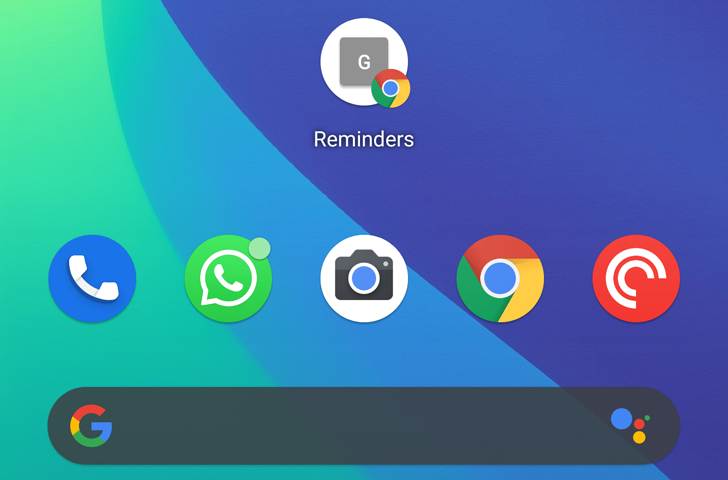
Since this is a simple webpage, you can create a homescreen shortcut for it. In Chrome, you tap the overflow button on the top right, then Add to Home screen and follow the prompts. That will create a Chrome shortcut and place it on your homescreen.
Source: How to add a homescreen shortcut to your Google Assistant reminders