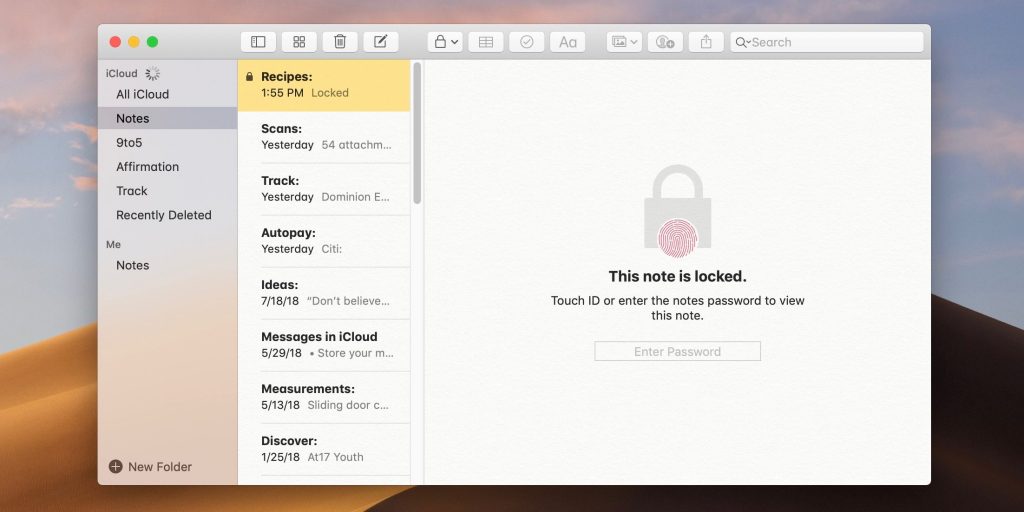
How to lock notes on Mac
Option 1
Open the Notes app on Mac Using the trackpad, slide from right to left with two fingers on a note you’d like to lock Click the lock icon
For another Option and photos hit the link below
How to lock notes on Mac



Get more out of your tech
Get more out of your tech
How to lock notes on Mac
Option 1
Open the Notes app on Mac Using the trackpad, slide from right to left with two fingers on a note you’d like to lock Click the lock icon
For another Option and photos hit the link below