Get more out of your tech
Category Mac
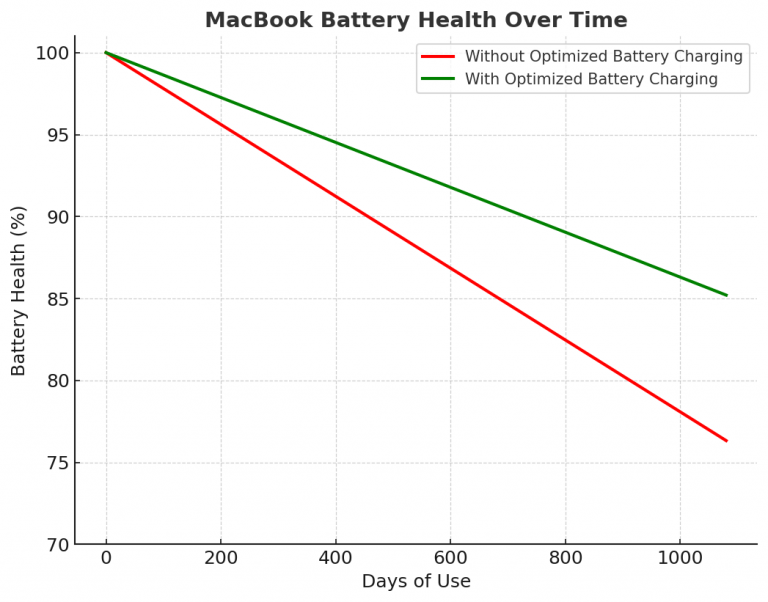
MacBook Charging Explained: Is It Okay to Stay Plugged In?

20 Clever Ways to Customize Your Mac’s Dock

The macOS Dock is more than just an app launcher—it’s a powerful tool you can tailor to your workflow and style. Whether you want to streamline your setup or add some personality, here are 20 effective ways to customize your…
20 Helpful Mac Keyboard Shortcuts

Mac keyboard shortcuts can significantly improve your productivity. Here are some commonly used ones:
How to add fonts to macOS Catalina
How to install fonts on macOS Catalina from a folder Locate the font you wish to install Right click (trackpad: ctrl+click or two-finger tap) on the font file Select Open With Select Font Book Select Install Font Source: How to add fonts…
Should You Update to MacOS Catalina?
Waiting Until Critical Apps Updated to 64-bit Be careful, you might lose the ability to lose some apps! Source: Should You Update to MacOS Catalina? Or Wait? Or Not At All?
Top macOS Catalina features
A hands-on look at new top features found in macOS 10.15 Catalina. Harneet Pasricha
How to create a new user account on your Mac
How to create a new user account on your Mac Open System Preferences and click Users & Groups Click the lock in the bottom left if it’s not already unlocked Click the + icon in the bottom left corner Select…
How to lock notes on Mac

How to lock notes on Mac Option 1 Open the Notes app on Mac Using the trackpad, slide from right to left with two fingers on a note you’d like to lock Click the lock icon For another Option and…
How to Delete Autofill Entries in Your Browser’s Address Bar
Chrome Start typing in a website’s address. When your browser begins to auto-populate the wrong address in Chrome’s address bar, hold down Shift and Function on a Mac—and tap the Delete key. Once you see a website highlighted, you can…
You must be logged in to post a comment.