
If you have ever hit “Share” on a Claude conversation, you might want to double check where that link ended up. Reports this week found a bunch of shared Claude chats showing up in regular Google searches, some of them containing pretty personal stuff like health details and company documents. Claude chat privacy has always technically been in your hands, but it turns out a lot of people did not realize what sharing a chat actually meant.
Here is what happened, and how to lock things down in a few minutes.
Why This Happened
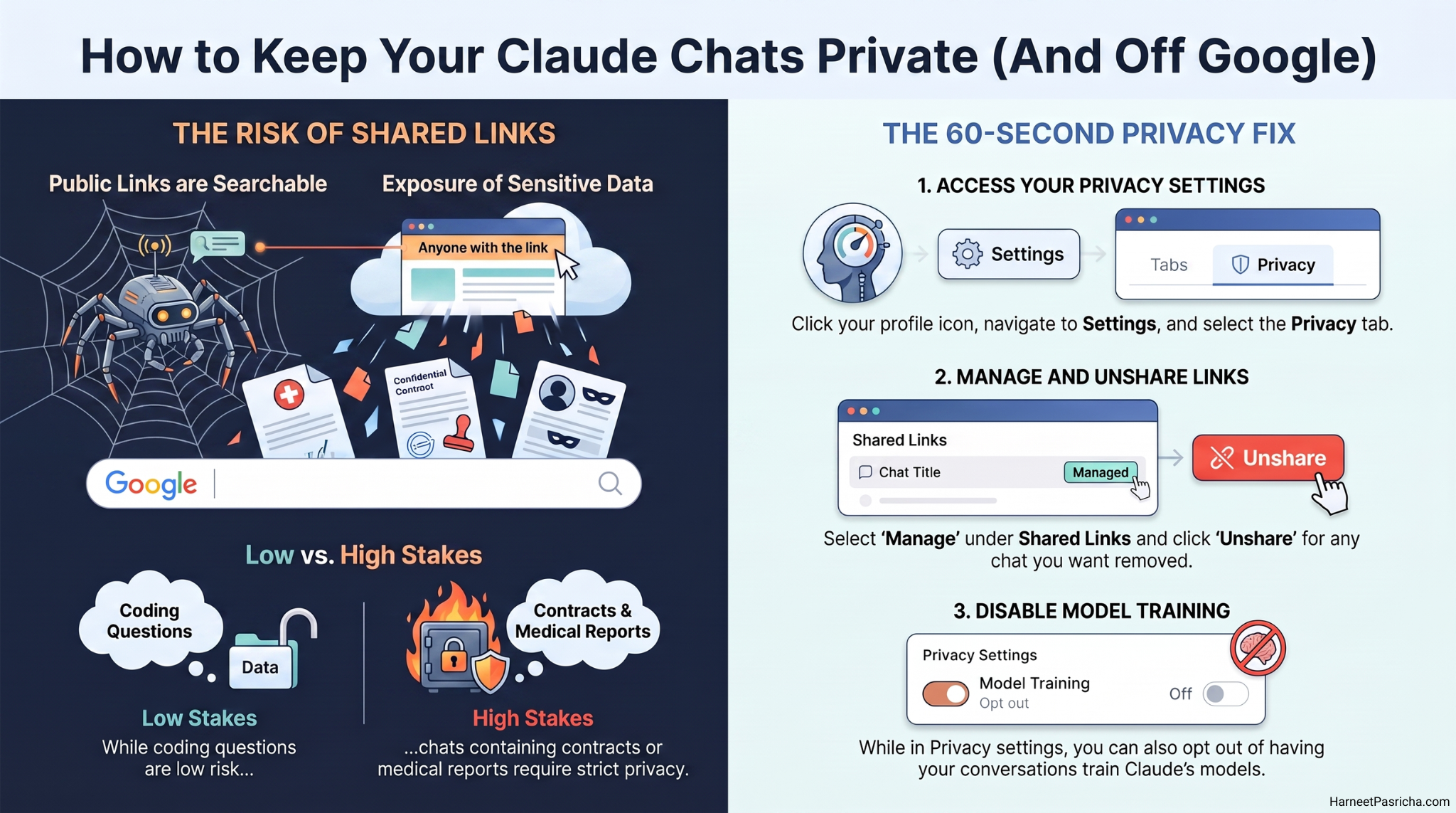
When you share a Claude chat, Anthropic creates a public link that anyone can open, similar to sharing a Google Doc. The problem is that “anyone with the link” quietly became “anyone who searches for it,” because those public pages got indexed by search engines. Once a link is public, it is public to crawlers too, not just the person you meant to send it to.
Anthropic has said it does not list these shared chats in any kind of public directory, and it appears to have pulled some results from Google since this came to light. Still, the safest move is to assume anything you share stays visible until you manually take it down.
Check and Unshare Your Claude Links
This takes about a minute:
- Open Claude and click your profile icon in the bottom left corner.
- Go to Settings, then Privacy.
- Find the Shared Links section and click Manage.
- Look through the list and click Unshare next to any chat you do not want public anymore.
If you cannot remember ever sharing a chat, it is still worth checking. It is easy to click Share once for a quick reason and forget the link is sitting out there indefinitely.
Skip Public Links for Anything Sensitive
Going forward, treat the Share button the way you would treat posting something to a public forum. If you want to send a chat to a specific person, copy the text into a document you control and share that instead. That way you decide exactly who can open it, and you can revoke access whenever you want.
This matters most for anything involving your name, your kids, your health, or your workplace. A general coding question is low stakes. A conversation where you pasted in a medical report or a contract is not something you want searchable by anyone with an internet connection.
If you also want to stop Claude from using your conversations to train its models, that lives in the same Privacy settings menu, right above the shared links section, worth a quick look while you are already there.
Anthropic’s own guide to sharing and unsharing chats walks through the sharing flow in more detail if you want to see exactly what gets included in a snapshot before you send one out.
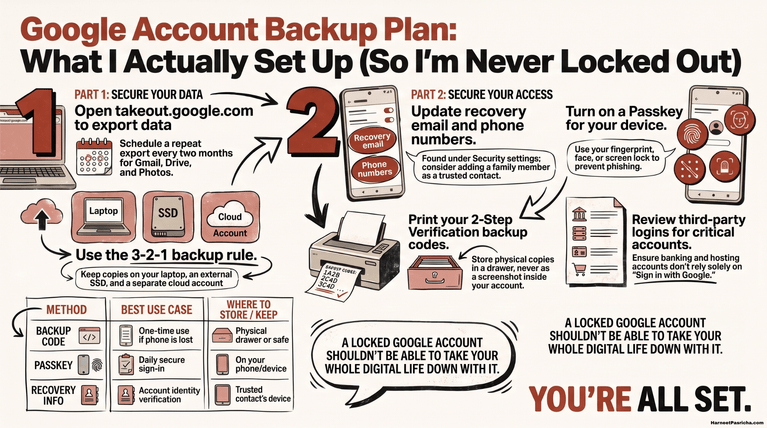
For more ways to lock down your accounts in one sitting, I put together a quick Google account security check that covers a lot of the same ground.
It only takes a few minutes to check your shared links, and it is worth doing before you need to.
Yes. Chats stay private unless you specifically click Share to create a public link. Nothing is shared automatically.
Go to Settings, then Privacy, then Manage next to Shared Links. That list shows every chat you have ever shared, including ones you might have forgotten about.
Unsharing disables the public link on Claude’s end, but if a search engine already indexed the page, it can take some time for that cached version to drop out of results.
No. A shared link only captures the conversation up to the moment you shared it. Anything you type after that stays private unless you share the chat again.
Not really. Shared chat links from ChatGPT and Grok have shown up in search results before too. Any AI tool with a public sharing feature carries the same risk if the link gets indexed.
Copy the text into a private document, like a Google Doc, and share that with just the people who need to see it. That gives you control over who can access it and lets you revoke it anytime.